
Video Script Length Calculator
Video Script Length Calculator
Video Script Length Calculator
Estimate runtime before you record
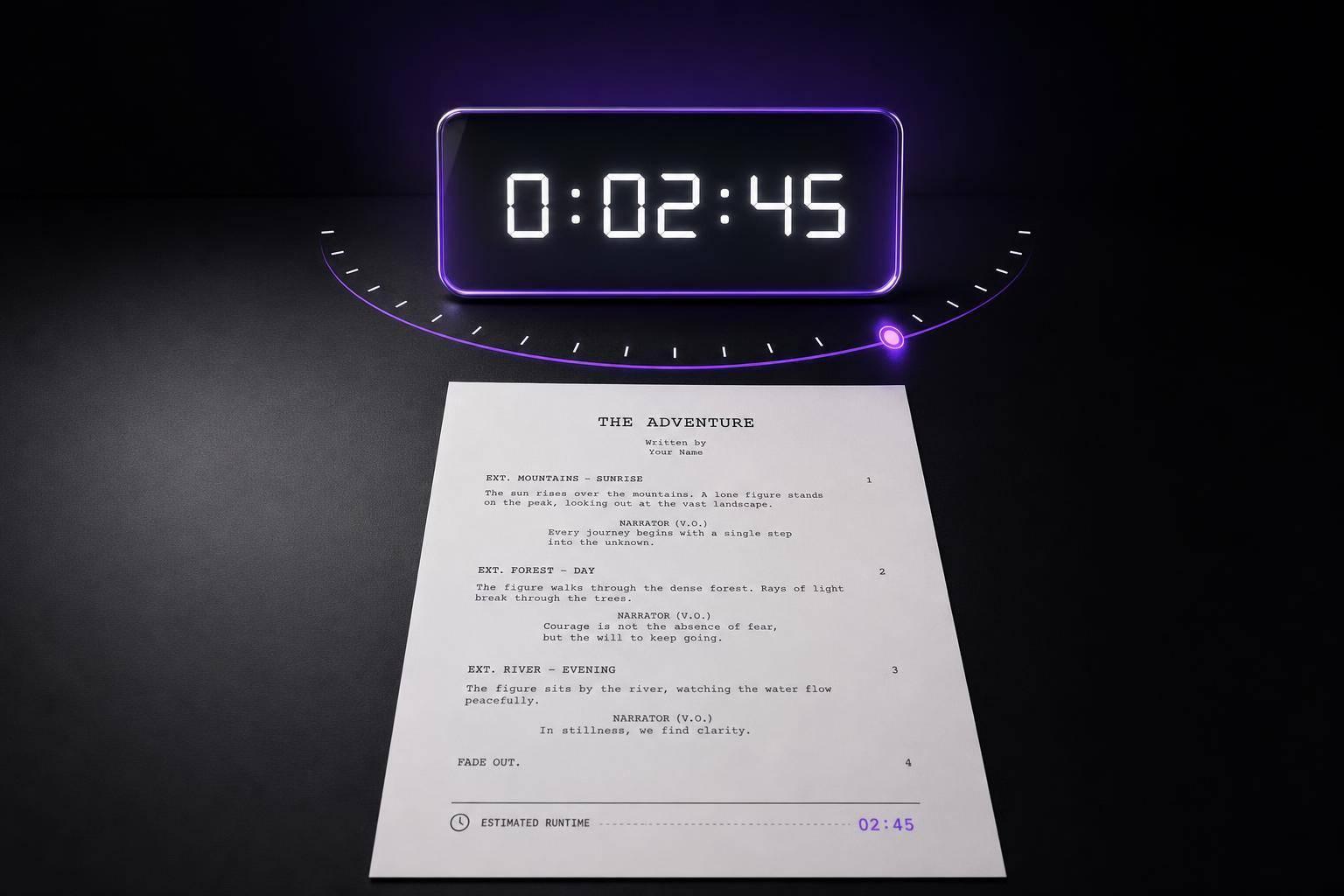
A strong script doesn’t just sound good on the page—it needs to fit your target runtime once it’s spoken aloud. A Video Script Length Calculator helps creators turn raw text into a practical time estimate, making it easier to plan YouTube videos, ads, explainers, lessons, and voiceovers. Instead of guessing, you can paste in your script or upload a plain text file, choose a speaking pace, and see how long the read may take.
Built for real-world pacing
Word count is only part of the picture. Delivery speed changes the final result, which is why this tool uses a realistic range of 130 to 150 words per minute. You can switch between slow, medium, and fast pacing to better match your style. It also accounts for markers like [pause], so your estimate reflects natural breaks rather than a rushed, uninterrupted read.
Useful for creators, editors, and marketers
Whether you're polishing a voiceover script or checking if a segment will fit a deadline, a video script runtime estimator helps you make faster decisions. You’ll get total word count, estimated minutes and seconds, and a clear breakdown of the speaking pace assumptions. It’s a simple way to keep your content on track without adding extra complexity.
FAQs
How does the calculator estimate video script length?
The tool starts by counting the words in your script, then applies an average speaking rate based on the speed you choose. A slow pace reflects the lower end of typical narration speed, medium sits in the middle, and fast uses a quicker delivery. If your script includes markers like [pause], those breaks are added to the total so the estimate feels closer to a real performance instead of a raw word count.
What speaking speeds should I use for slow, medium, and fast?
A practical range for spoken video content is about 130 to 150 words per minute. Slow can represent roughly 130 WPM, medium around 140 WPM, and fast about 150 WPM. If your style is highly dramatic, instructional, or conversational with frequent emphasis, slow is usually the safest pick. If you tend to speak clearly but efficiently, medium or fast may be more accurate.
Will the estimate match the final edited video exactly?
Not exactly, and that’s normal. Final runtime can change based on delivery, retakes, added b-roll, music, on-screen pauses, and editing choices. Think of this as a strong planning estimate rather than a frame-perfect prediction. It’s especially useful for outlining, pacing a YouTube script, timing ad reads, or checking whether a draft is too short or too long before you hit record.
Ready to Elevate Your Content?
Try Evelize for free and experience the easiest way to create, edit, and share professional videos. Script writing, teleprompter, and powerful video tools - all in one app!

