
Frame Rate Converter
Frame Rate Converter
Understanding Video Frame Rate Conversion
If you’ve ever edited a video, you know that getting the playback just right can be a challenge. Adjusting frame rates is often necessary when matching footage to a specific platform or blending clips shot at different settings. A frame rate converter tool simplifies this by calculating how your video’s duration shifts when you tweak the frames per second, ensuring you’re not left guessing about timing or speed.
Why Frame Rates Matter
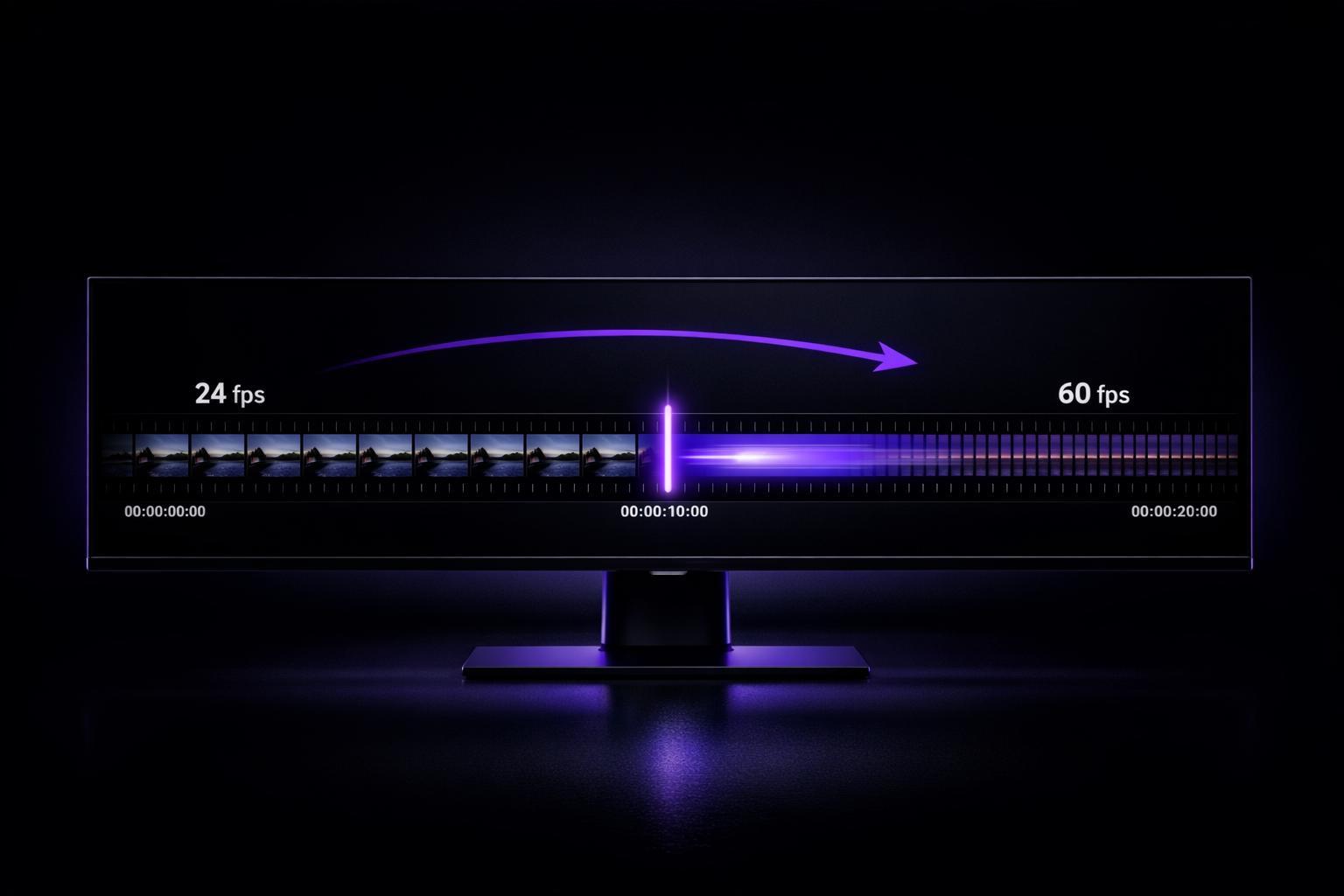
Frame rates determine how smooth or cinematic your video looks—think 24 fps for that classic movie feel or 60 fps for crisp, fast-paced action. But changing this setting impacts more than visuals; it alters how long the video plays. For instance, speeding up from 24 to 30 fps shortens the runtime, which might affect synced audio or transitions. That’s where a playback speed calculator comes in clutch, offering clarity before you hit render.
Tips for Smooth Adjustments
Start with small changes to avoid glitches like stuttering frames. If you’re working on a critical project, test the output in your editing software after using the numbers from a conversion tool. With this approach, you’ll keep your footage looking professional without unexpected hiccups.
FAQs
Why does changing frame rate affect video duration?
When you change a video’s frame rate, you’re essentially altering how many frames play per second. If you increase the frame rate, the video has to squeeze more frames into the same time, shortening the duration. Drop the frame rate, and it stretches out to show fewer frames per second. That’s why a tool like this is handy—it shows you exactly how much the timing shifts so you’re not caught off guard.
Will changing the frame rate mess up my audio?
It can, especially with big jumps—like going from 24 fps to 60 fps. The audio might speed up or slow down to match the new duration, which could change the pitch. Think chipmunk voices if it’s faster, or a deeper tone if slower. For small tweaks, you might not notice much, but we flag significant changes (>20%) in the results so you know to double-check or adjust audio separately.
Can I use this tool for any video format?
Absolutely, but keep in mind this tool focuses purely on the math behind frame rate conversion. It doesn’t process actual video files or handle format compatibility—it just calculates the new duration and playback impact. You’ll need editing software to apply the change to your file, but this gives you the numbers to work with upfront.
Ready to Elevate Your Content?
Try Evelize for free and experience the easiest way to create, edit, and share professional videos. Script writing, teleprompter, and powerful video tools - all in one app!


